Making a gate swing in Minecraft Bedrock, when blocks can't animate
Bedrock blocks can't move, and a custom block's collision has to fit inside one block. How the double-wide gates in LLS Missing Blocks fake both, and the collision tricks that keep a cow in and let a horse through.
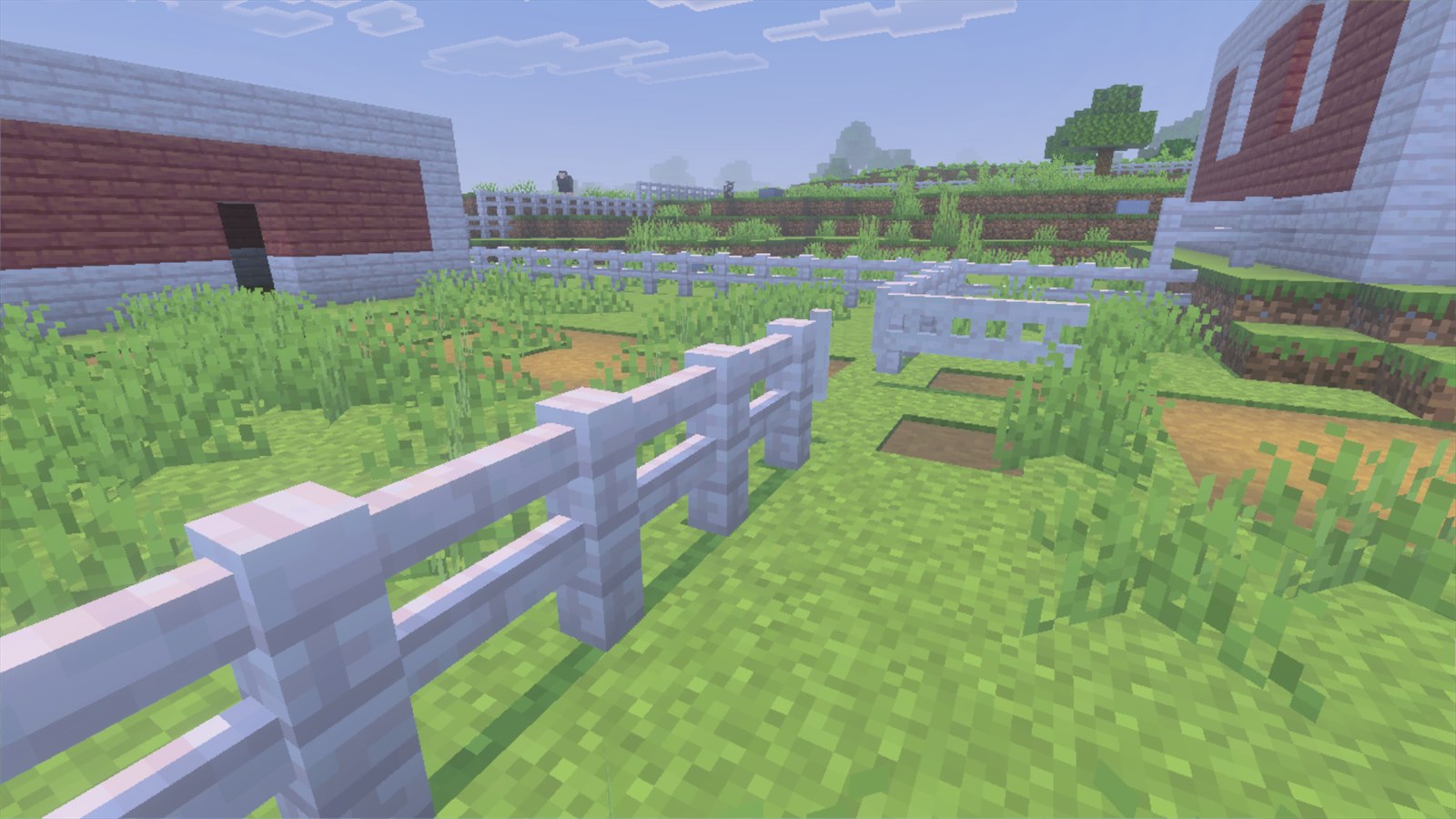
Vanilla’s fence gate is one block wide. That’s fine for walking through and useless for a farm: a tractor, a combine or a horse and cart needs a two-block opening, and two vanilla gates side by side don’t open as one.
So LLS Missing Blocks has a double-wide gate: one leaf spanning two blocks, hinged on an end post, swinging the whole span open in a smooth arc. It comes in garden, standard and tall heights. Getting it to behave took more workarounds than anything else in the pack, because Bedrock pushes back at almost every step.
Problem 1: blocks can’t animate
A Bedrock custom block has a fixed shape. It can swap between shapes when its state changes, but it can’t move: there’s no swing, only a snap from closed to open.
The answer is to not make the gate a block at all. The gate you see is an entity, a mob that never moves, stands exactly on the block grid and carries the gate model. Mobs can animate, so the swing is a real 0.4-second arc.
That splits the gate in two:
- The entity is what you see and what you click.
- Invisible collision blocks in the gate’s two cells are what actually stop a cow. The script places and changes them as the gate opens and shuts.
The same split is behind the sliding and swinging barn doors in the same pack.
Problem 2: making the click reliable
The obvious approach is a script that listens for a player clicking the gate and opens
it. I went the other way: the click is handled by the entity itself. Its
minecraft:interact component fires an event that flips an open property, all in the
entity’s own JSON, with no script involved.
The script only notices: every four ticks it checks whether any gate’s property has changed, then updates the collision and plays the sound. So the gate still opens and shuts correctly if anything else flips that property, and a slow script can never lose a click.
The animation side is simple too. The closed and open poses are single static keyframes, and an animation controller blends between them. That blend is the swing.
Problem 3: 1.5 blocks tall from blocks that stop at 1
A vanilla fence and fence gate stop mobs because their collision is 1.5 blocks tall. That number isn’t arbitrary:
- Every farm animal walks up anything under 0.5625 blocks without jumping. That’s Bedrock’s default step height, half a block plus one pixel.
- Mobs can also jump about a block. So nothing short of 1.5 actually keeps one in.
- Camels step up 1.5625 and stroll straight over vanilla fences, which is why the Tall Fence in the pack has 2-block collision.
A custom block’s collision box has to fit inside its own block. A 1.5-tall wall needs something more. Each of the gate’s cells gets a full collision block at ground level, plus a half-height collar block in the cell above.
The collar is best-effort. If the cell above isn’t air, for example a gate under a low roof, it’s skipped, because whatever is up there already stops the jump. That way the gate only ever needs its own row to be clear when you place it.
Problem 4: an open gate that animals refuse to walk through
The first version deleted the collision blocks when the gate opened. That caused two problems.
The fence let go of the gate. A vanilla fence next to the gate connects to whatever block sits beside it, which here is the invisible collision block. Deleting it on open made the fence’s arm visibly retract every time the gate swung, then reach out again when it shut.
So the ground-level blocks stay in both states, and only their collision shape changes. That caused the second problem.
Livestock wouldn’t use the open gate. My first open shape was a thin post at the hinge end: everything else in the cell was empty. Players walked through fine. Cows wouldn’t, because Bedrock’s mob pathfinding decides whether a cell is passable per block, without looking at the shape inside it. A cell with any tall sliver of collision reads as a wall to a mob’s path, however thin it is.
The fix is a one-pixel floor plate. When the gate is open, each cell’s collision is a plate 1/16 of a block high. It’s still a collision box, so the neighbouring fence keeps its connection, but as far as anything walking is concerned it’s just floor. Players and mobs step over it without noticing, and pathfinding sees an open cell.
The collar above is removed on opening: nothing connects to it, and it’s the part that stops the jump.
Problem 5: the “air” shortcut that isn’t
One tempting fix for the floor-plate issue is to tell Bedrock the collision blocks
breathe like air ("minecraft:breathability": "air"). Don’t. Bedrock then treats the
block as air for movement too: chickens and players walked straight through a shut
gate, and the fences beside it dropped their arms. Horses, oddly, were still stopped.
It’s never the right way to say “non-solid”.
Problem 6: two gates that open from the middle
Put two double gates side by side and you want a four-block opening that parts from the middle, not two leaves swinging the same way.
The model has two nested hinge bones. The outer one pivots on the left post; the
inner one is its child and pivots on the right post. Both at zero is closed, and rotating
either one swings the same leaf from the opposite end. A mirror property picks which.
Pairing is decided by position, not placement order. When a gate is placed, it looks for a neighbour in line with it, and the pair mirrors so they part outward. Place them in either order and you get the same result.
Problem 7: the gate looked too bright beside its own fence
The first gates looked washed out next to a real fence of the same wood, and the colours weren’t the cause: the gate’s palette measured slightly darker than the plank texture.
The cause was lighting. A fence is a block and the gate is an entity. Minecraft shades block faces by direction: tops at full brightness, sides darker, undersides darker still. An entity is lit flat, every face at full brightness. Side by side, the gate was the only thing in the scene with no shading.
So the shading is painted into the gate’s texture: top faces at 100%, sides at 78%, undersides at 62%. Only up, side and down are separated, never north versus east, because the gate rotates: a left-right difference would be right at two angles and backwards at the other two.
Small decisions that matter
- Breaking a gate takes sneak + punch. A plain punch only reminds you. The gate is an entity, and losing a gate to a stray swing in the middle of a fight with a zombie would be miserable.
- The wood list is save data. Each placed gate stores its wood as a number, used to decide which item drops when it’s broken. New woods are only ever added at the end of the list. Reorder it and every gate in every existing world drops the wrong item.
- One generator, one cube list. The model, the texture sheet, the item icons and the recipes all come from one script, so the texture can never drift out of line with the model.
The one thing it still can’t do
A dirt path under a gate turns back into dirt, because Bedrock reverts a path block that has a solid block on top, and the collision cells count as solid. Putting the path back with a script after each change didn’t hold up in game. A path-lookalike block with no revert rule is the next thing to try.
Try it
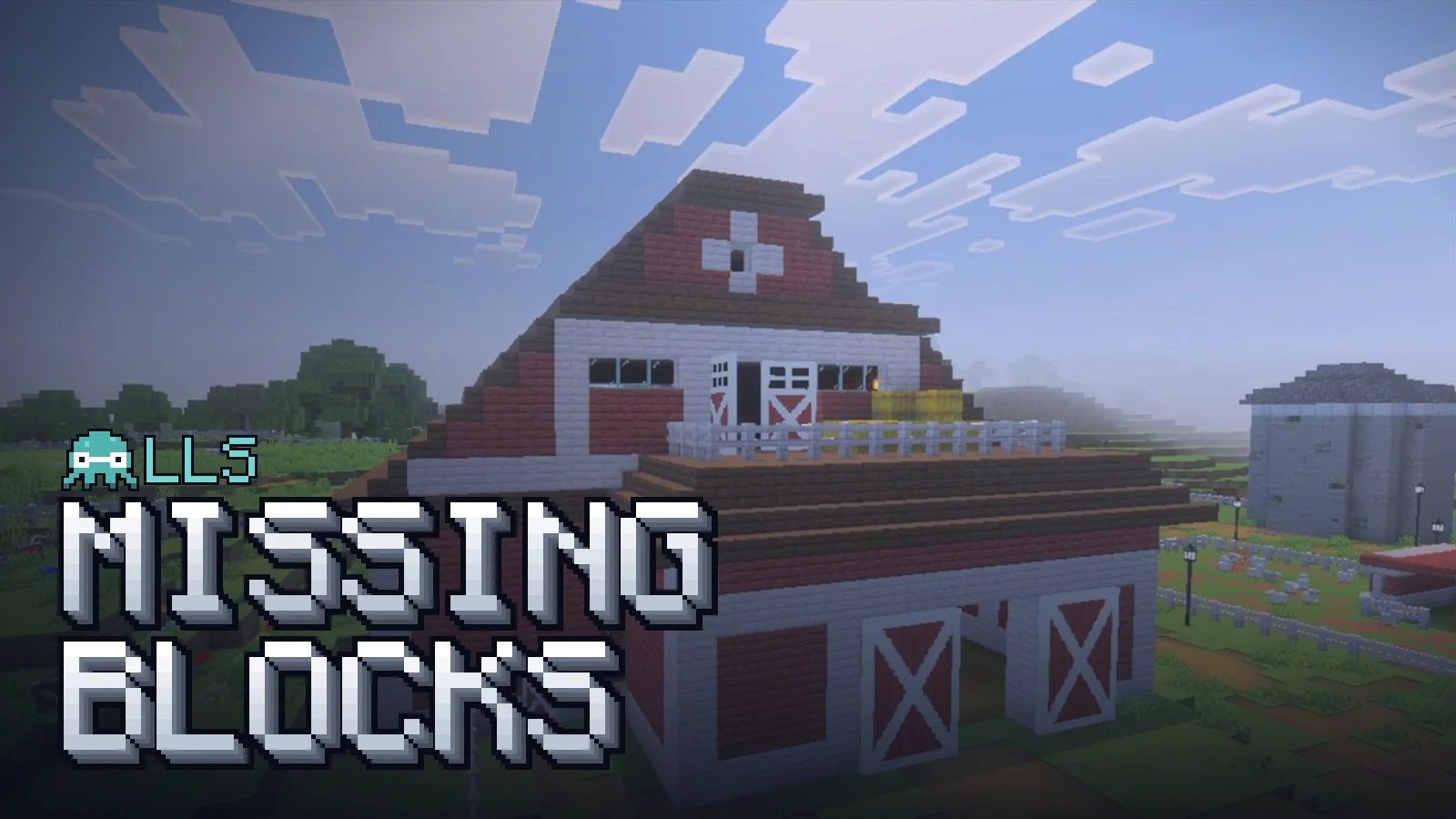
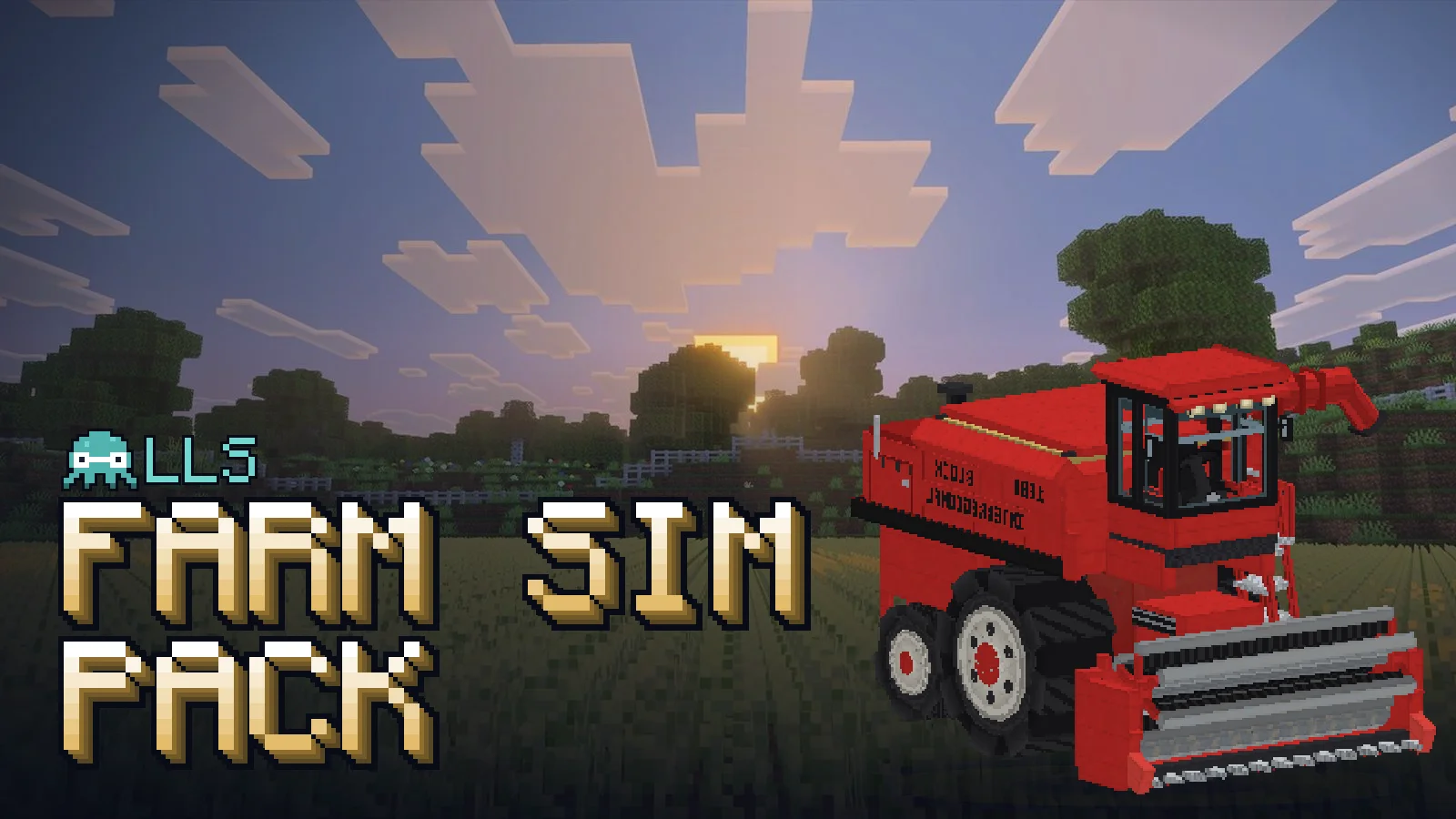
The gates are in LLS Missing Blocks, alongside barn doors, two fence heights, path and grass slabs and more, and they’re built into the Farm Sim Pack too. Craft a double gate from two vanilla gates of the same wood.
The mods


More from the devlog
- Five Bedrock add-on bugs that fail without an error An invisible horse, legs running four times too fast, a mob that forgot how to jump, and a magic pack that broke without being touched. Five Minecraft Bedrock add-on bugs I hit building LLS Equestrian and the Magic Pack, and how to catch them.
- Making it snow on a plains farm: faking winter weather in Minecraft Bedrock Bedrock has no snow weather and decides rain-or-snow from the biome. How LLS Seasons builds a snowy day from fog, a particle and a snow carpet of its own, and the summer freeze a snow sweep caused.
- Paws that stay planted: two-bone IK in Molang for the Doggoyle How the Doggoyle in the LLS Magic Pack keeps its paws on the ground at a walk, trot and gallop: a stride clock from ground speed, footfalls planned on the floor, and inverse kinematics solved every frame in Bedrock's Molang.