LLS EZ Miner

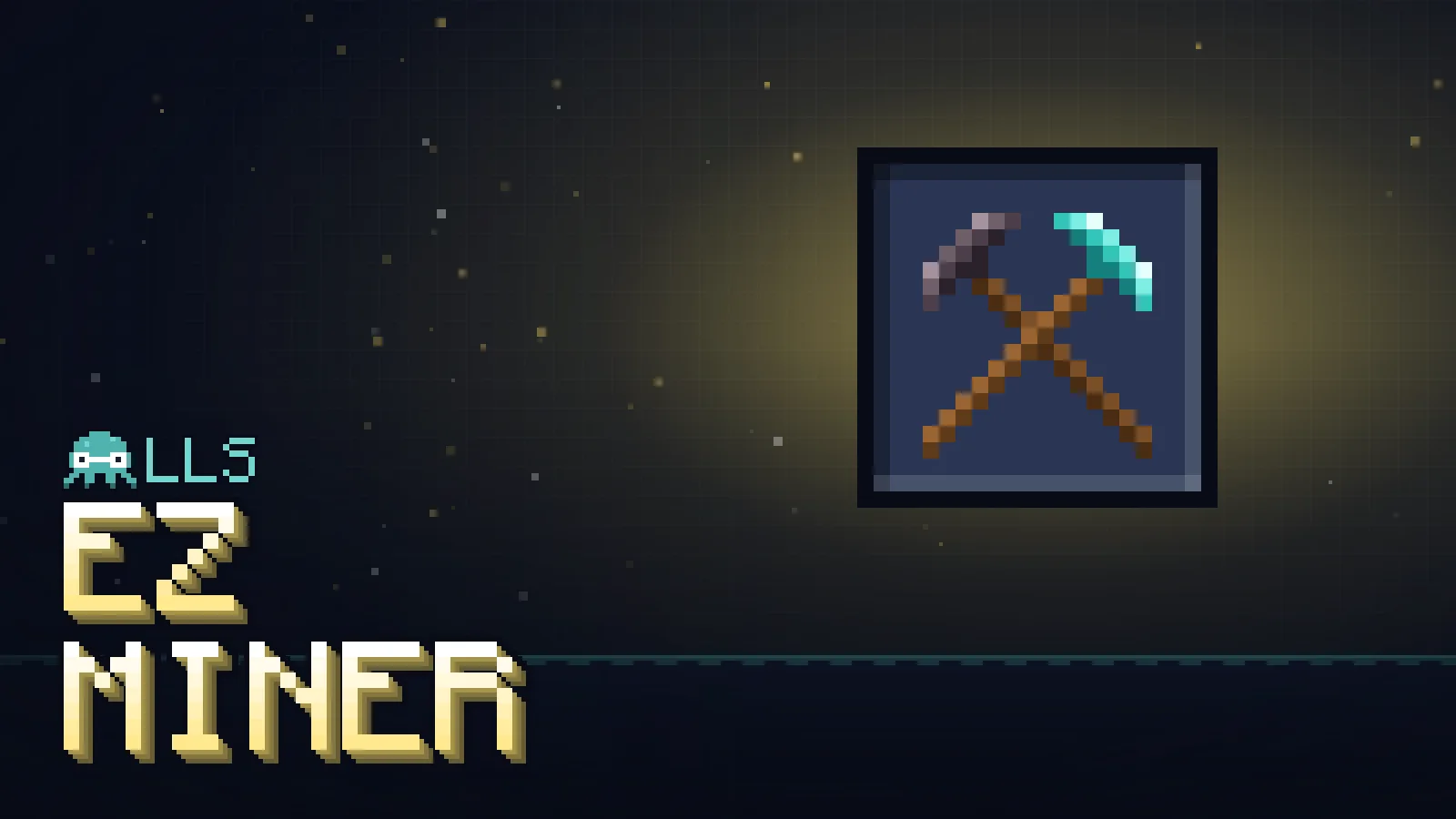
Name a pickaxe, bind it, and every block it breaks takes a whole 3-wide, 4-tall tunnel face with it. Your other picks mine normally.

Utility Released New

Beta Playable and still being worked on — expect rough edges, and please report them.

Download beta

Free — donations are optional

How to install on your phone ▸ video

Mining a tunnel one block at a time, without the grind. Rename a pickaxe, open the EZ Miner and choose that pick. From then on every block it breaks takes a 3 wide, 4 tall face with it: its row, the row under it and two above, lined up with the way you’re facing. Walk forward one swing at a time and you’re left with a clean tunnel.

Every player spawns with an EZ Miner, and you can craft another from one stick.

One named pickThe tunnel pick mows, your other picks mine normally.
  • Right-click the EZ Miner to open its menu: turn it on or off, choose the pattern and choose the pickaxe.
  • The list shows every renamed pickaxe you’re carrying. Any pick with exactly that name mines the pattern.
  • Sneak while mining to break just one block with it.
Fair miningNormal wear, normal drops, and it never eats your pick.
  • Every extra block costs durability like mining it by hand, and Unbreaking works as usual.
  • Drops use the pick’s own Fortune or Silk Touch, and ores give their usual XP.
  • The pattern stops one hit before the pick would break.
Leaves what you'd want to keepOres and hard blocks stay for your other pick.
  • Blocks this pick can’t harvest stay put, so you can swap to the right pick.
  • Ores stay in the wall by default, ready for your fortune pick. You can turn that off.
  • Chests, furnaces, liquids, spawners and bedrock are never touched.
How to install

  1. Open the downloaded .mcaddon file. Minecraft launches and imports it on its own.
  2. Create or edit a world, and in Behaviour Packs and Resource Packs turn this one on. No experiments needed: leave Beta APIs off.
  3. Needs Minecraft Bedrock 1.21.120 or newer. Tested on Bedrock 26.52.

Stuck on your phone? Watch the 40-second install video ▸

Full install guide: every device, Realms and servers ▸
Not working after an update? ▸

Console (Xbox, PlayStation, Switch) can't sideload add-ons — this file only works on Windows, Android and iOS.

Questions

Why does my pickaxe need a name?

The pattern belongs to one pick, picked by its name. Rename a pickaxe at an anvil, then choose it in the EZ Miner menu. Every other pick mines normally, so you can carry a tunnel pick and a fortune or silk-touch pick and swap between them.

Will it break my pickaxe?

No. Each extra block costs durability like mining it by hand, and Unbreaking works as usual, but the pattern stops one hit before the pick would break and tells you in chat.

Why did some blocks stay behind?

Anything this pick can't harvest, or would get nothing from, is left for your other pick, like diamond ore with a stone pick, glass or ice. Ores stay too unless you turn off "Leave ores for my other pickaxe". Chests, liquids, spawners and bedrock are never touched.
I crafted a stick and got the Zone Viewer instead.

LLS Night Lite's Zone Viewer is also made from one stick, and Bedrock can only show one result for the same recipe. Put the Zone Viewer back in the grid on its own and it turns into the EZ Miner, and the other way round.

Does it work on Xbox, PlayStation or Switch?

Not yet. Consoles can't install add-on files, so this works on Windows, Android and iOS. The only way an add-on ever reaches console is the Marketplace.

Do I need to turn on experiments?

No. Switch the behaviour and resource packs on for your world and leave Beta APIs and the other experiments off.

Which version of Minecraft do I need?

Bedrock 1.21.120 or newer. Last played on Bedrock 26.52, the newest update at the time.

Read more

Updates

  1. First release (beta). The EZ Miner menu, named-pick binding and the 3x4 tunnel pattern.